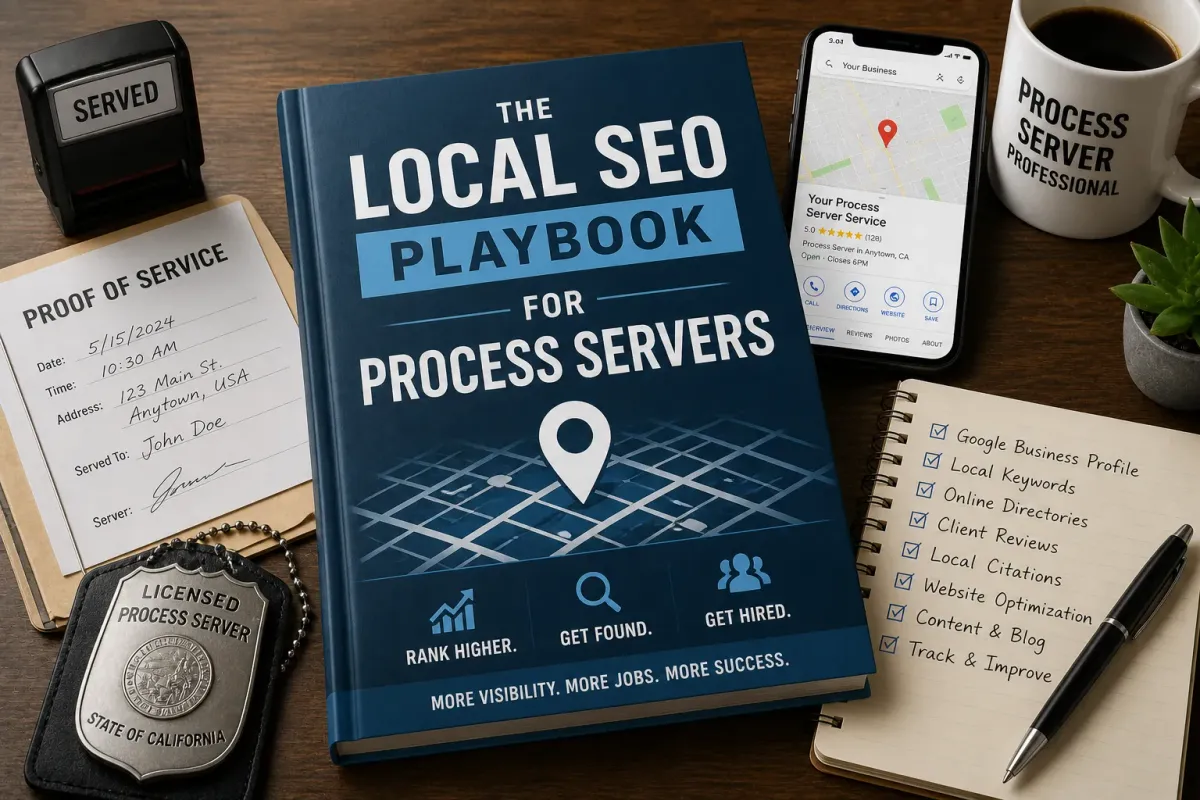
The Local SEO Playbook for Process Servers
Article version in Mike's voice for Process Server Daily.
When an attorney needs papers served across town, they type "process server" and a city name into Google. Whoever shows up on the map gets the call.
I built my process serving company in Redding, up in Northern California. At my busiest I was doing 30 or 40 serves a day. Most of that work came from people who already knew me. But every new client had to find me first, and more and more of them found me online.
Here's what I'd tell a process server who wants more local clients. No tricks. Just what Google itself says matters, plus what I learned in the field.
How Google picks the local results
Google is pretty open about this. Its Business Profile help page says local results are mainly based on three things:
Relevance. How well your profile matches what someone searched for.
Distance. How far you are from the person searching. You can't change that.
Prominence. How well known you are. Google says that includes how many websites link to you and how many reviews you have, and that more reviews and positive ratings can help your local ranking.
Google also says there's no way to pay for a better local ranking. So forget anybody who promises you the number one spot. Your job is to make relevance and prominence work for you.
Start with your Google Business Profile
You may still hear people call it "Google My Business." Google renamed it Google Business Profile back in November 2021. Same idea. It's the listing that shows up on Google Maps and in local search.
Verify it. Google says a verified profile is more likely to show up in search results.
Use your real business name. Google's guidelines say your name should match how you're known in the real world, on your signs, cards and website. Don't stuff it with keywords like "Best Cheap Process Server Redding." That can get your profile suspended.
Pick the right category. "Process server" is a real category. Google says to use as few categories as it takes to describe your core business.
Handle your address the right way. Most of us work out of a truck, not a storefront. Google calls that a service-area business. If you don't serve customers at your address, Google says to hide it and list your service area instead. A P.O. box or a virtual office isn't allowed.
Set your service area honestly. You can list up to 20 service areas by city, ZIP code or other area. Google says the boundaries shouldn't go much past about two hours of driving from where you're based. List the places you actually take jobs.
Fill in everything. Hours, phone, website, services and a plain description. Google says businesses with complete and accurate info are more likely to show up.
Photos and posts
Google says photos and videos help you tell your story, and it lets you publish posts on your profile, like updates, offers and events.
Use real photos: you, your branded vehicle, your office if you have one. Don't post stock images, and don't post photos from your serves. When I was serving eviction notices, I took a date and time stamped photograph of every single posting. Those photos are for your proof of service and your file. They are not marketing. Somebody's front door has no business on your Google profile.
For posts, keep it useful. New counties you cover, holiday hours, a quick note on a rule change in your state.
Customer questions moved
The old article told you to answer customer questions on your profile. That part has changed. Google discontinued the Business Profile Q&A API on November 3, 2025. In December 2025, Google said it was replacing the Q&A on Maps with an "Ask" button that gives an AI answer based on your listing and reviews.
So make sure your profile and website answer the common questions themselves. What counties do you cover? Do you do rush or same day? How do clients send you papers?
Reviews: ask, then reply to every one
Reviews are one of the few things Google names directly for local ranking. They also close the deal. A paralegal comparing three servers will look at the stars.
Here's what Google says to do:
Ask clients for reviews with a Google review link or QR code.
Reply to reviews. Keep it short and specific, not the same "thank you" for everyone.
On a bad review, don't attack anyone or share private info. Take it offline if it's complicated.
And here's what not to do. Google says offering incentives, like a discount, for a review is fake and misleading content and is strictly prohibited. The Federal Trade Commission has a rule on this too. Since October 21, 2024, it has banned buying fake reviews, paying for reviews that say something positive or negative, and trying to scare people into taking reviews down. I'm not an attorney, so read the FTC's rule yourself if you're unsure. My advice is simple: ask, don't pay.
The best time to ask is right after the job, when the client has your proof of service in hand.
Citations: be the same everywhere
A citation is just a listing of your business somewhere else. Chambers of commerce, professional associations, process server directories and legal directories.
Keep your name, phone and website the same on every one. Google says it decides how to show your business info based on your profile and information from other sources. If those sources disagree, you're making Google guess.
You don't need every directory on the internet. You need the ones attorneys and paralegals actually use.
Links: earn them, don't buy them
Links still matter. Google's own local ranking page says prominence includes how many websites link to you. But don't treat them like magic. Google's Gary Illyes said in 2024 that links haven't been a top three ranking factor for some time.
The links worth having come from real relationships: your state process server association, your local bar association if it lists vendors, community events you actually sponsor, and articles people want to share.
Mighty Process Server doesn't sell guest posts or link insertions. Premium and Enterprise members can guest post by writing a community post and checking the box to submit it for blog review. That's how we keep it to industry professionals and not people chasing links.
City pages that are worth reading
The old advice was to make a page for every city and county you cover. That can work. It can also get you in trouble.
Google's spam policies call out doorway abuse. One example is pages aimed at specific regions or cities that funnel users to one page. Another is making a pile of substantially similar pages. If your 40 city pages are the same paragraph with the town name swapped, that's what Google is describing.
A good city page answers the question for that place. Which courthouse your papers go to. Which areas you cover and which you don't. How fast you can get there. A real phone number and an intake form right on the page. Only make pages for places you actually work.
This is where knowing your territory pays off. I call one of my methods the stalking method. I know the word isn't great. Before I left the office, I wanted to know: Do they work? What time do they work? What kind of car do they drive? And do you have a picture of them? A server who works that way knows the county. Put that local knowledge on the page.
Your website has one job too
An attorney once told me a server has "one job, serve the paper, and that's it. Sign the proof of service, maybe, right? And communicate status."
Your website should work the same way. Make it easy to send you a job. Make your coverage clear. Make it work on a phone. Then communicate status, every time.
Your reputation follows you offline
Local SEO gets people to call. Your reputation decides if they call back.
In Redding, a guy I served at a gas station threw the packet back at me and it cut my head. The city police cited me for trespass. I didn't show up to the court date. Years later, a Shasta County bench warrant turned up when a permit application came back.
Learn from my mistake. If you get a court date, you show up. In a local market, attorneys talk. One no-show can undo a hundred good reviews.
Networking still wins the big accounts
Search gets you found. Relationships get you the volume.
I remember when I picked up a collection account. I went in to grab some serves and they handed me a stack of 40 serves and a $12,000 check. Prepaid. I said, "This is a company."
That didn't come from a ranking. It came from showing up. Get to know the paralegals and office managers, because they pick the server. Then make sure your profile and reviews back up what they saw in person.
A short checklist
Verify your Google Business Profile and use your real business name.
Pick the "Process server" category and keep extra categories to a minimum.
Hide your address if you're a service-area business, and list up to 20 real service areas.
Add real photos and useful posts.
Put the answers to common questions on your profile and your site.
Ask every happy client for a review, and reply to every review.
Never pay for reviews or offer anything in exchange for one.
Keep your info identical across directories, and earn links from real relationships.
Make city pages only where you work, and make each one useful.
Need help with the serves?
You can sign up for a free Mighty Process Server account and get up to 25 free jobs every month. You never have to upgrade to a paid plan.
Be safe out there.
FAQ
Is Google My Business the same as Google Business Profile?
Yes. Google renamed Google My Business to Google Business Profile in November 2021.
Should a process server show their home address on Google?
If you don't serve customers at your address, Google says to hide it and list a service area instead. P.O. boxes and virtual offices aren't allowed.
How many service areas can I list?
Up to 20, by city, ZIP code or other area. Google says the overall area shouldn't go much past about two hours of driving from your base.
Can I give clients a discount for leaving a review?
No. Google prohibits incentives for reviews, and the FTC's rule bans paying for reviews conditioned on what they say.
Can I still answer questions on my Google profile?
Google ended the Business Profile Q&A API on November 3, 2025 and is replacing Q&A on Maps with an AI "Ask" button. Put your answers on your profile and website instead.
Are city pages bad for SEO?
Not by themselves. Google's spam policies target near-identical city pages that funnel visitors to one page. Make each page useful for that place.
Stay sharp. Stay informed. Live Mighty!
Read the full article at www.mightyprocessserver.com
This article is published by Process Server Daily, powered by MightyAutomation.ai, the leader in legal support intelligence.