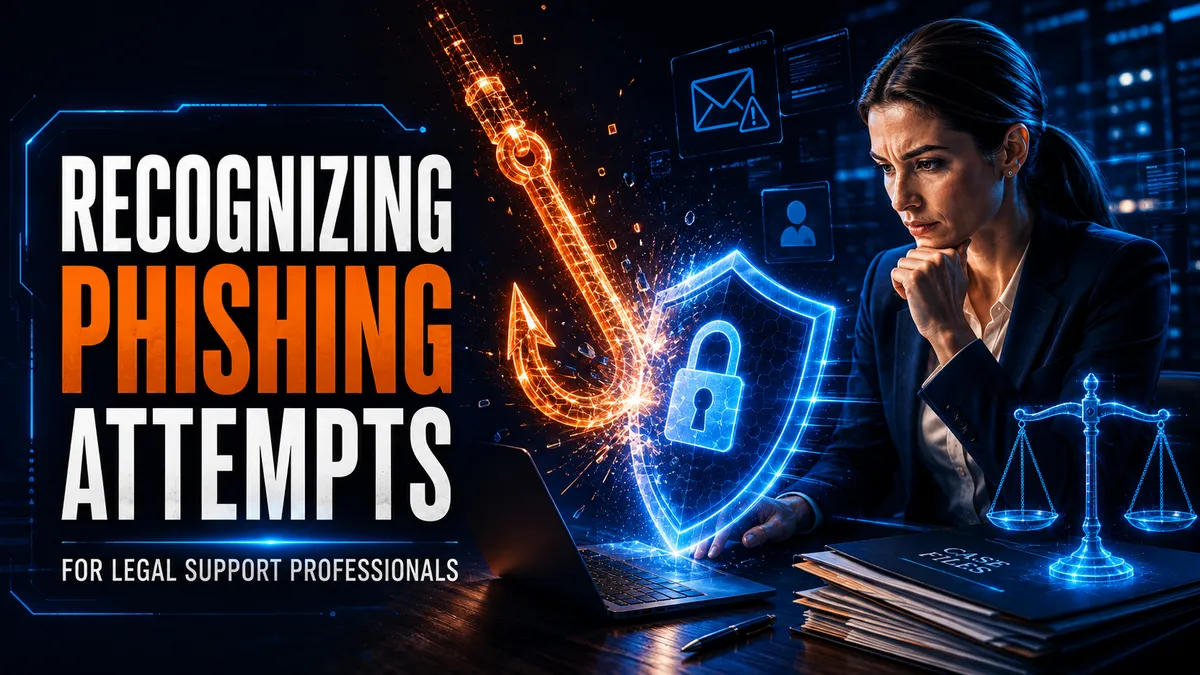
Recognizing Phishing Attempts Targeting Legal Support Professionals
Paralegals live and die by their email. I'm telling you. That is not a cute line. That is how the legal world actually moves.
Court deadlines. Service instructions. Affidavits. Rate sheets. Payment confirmations. Half of this industry runs on somebody hitting send and somebody else trusting what showed up in the inbox. Criminals figured that out a long time ago. The phishing attempts legal professionals get today are not the old "Dear Friend, I am a prince" nonsense. They research a firm, an attorney, a process server, an employee, or a client, then they write something that looks like it belongs in your day.
Licensed process servers, attorneys, paralegals, legal assistants, intake specialists, and law firms are attractive targets because we sit on confidential records all day. Addresses. Financial details. IDs. Court filings. Medical records. Settlement numbers. Private client emails. If you open the wrong attachment or click the wrong link, you did not just mess up your morning. You may have handed somebody a map to a whole case file.
Recognizing phishing is part of the job now. Same as showing up on time. Same as writing a real attempt note. Same as giving the proof of service. Protect the client, protect the firm, keep the work moving. That is the whole game.
Why Legal Support Gets Hit Harder Than Most
Legal shops collect information that can be sold, reused, or turned into the next fraud. A compromised email account can open client threads, case documents, calendars, contact lists, billing records, and payment instructions. That is a gold mine for somebody who does not care about your hearing date.
And legal work is urgent by design. Filing deadlines. Rush serves. Settlement wires. Client emergencies. People click fast when the clock is ticking. Criminals know that. They write messages that feel like they need an answer in the next five minutes.
This is not only a Big Law problem. Solo attorneys, independent process servers, small practices, and local legal support shops get hit too. Sometimes harder. Why? Because a lot of small shops do not have an IT guy sitting in the back. You are the IT guy. Your phone is the filing cabinet. Your inbox is the front desk.
When I built my process serving company, I used to do 30 or 40 serves a day. That meant a lot of emails, a lot of PDFs, a lot of people sending me assignments from addresses I had never seen before. Every one of those messages was a trust decision. Get one wrong and you are not just out a job. You might be out a client relationship, or worse, a case.
The Scams I See Aimed at Our World
You do not need a cybersecurity degree. You need a short list of plays that keep showing up against attorneys, paralegals, and process servers.
Spoofed emails
A spoofed email is built to look like it came from a trusted attorney, client, court, vendor, or coworker. The display name looks right. The real address has a missing letter, an extra character, or a domain that is almost yours.
The body might carry a bad attachment, a fake login page, or a polite request for confidential info. Do not trust the name at the top. Open the full sender address and read it like you are reading a license plate at the door.
I send rate sheets from a company address, mike@abqserver.com, not a personal Gmail. Attorneys notice. Paralegals notice. When your business email looks like a teenager's homework account, you train people to accept low standards. And low standards are exactly what a spoof needs to blend in.
Urgent requests
Attackers love urgency because urgency kills careful reading. "Filing deadline is today." "Payment is overdue." "Review this document immediately." "Act now." "Confidential request." "Do not call me."
Urgency alone does not prove a message is fake. But it should make you slow down. If somebody is asking you to skip your normal approval steps, that is the red flag. Pause. Verify. Then move.
Impersonation of trusted authorities
Criminals will pose as judges, court clerks, government agencies, law enforcement, senior attorneys, or firm admins. The message may look like a subpoena, a hearing notice, a tax document, or a regulatory warning.
Confirm those through an official website, an established court portal, or a phone number you already know. Do not use the contact details inside the suspicious message. That is like letting the defendant write your attempt address for you.
Fake client inquiries
Some legal support phishing starts looking like ordinary work. A "new client" wants representation or process service. They attach "evidence," an ID, a contract, or case documents.
Opening that file can install malware or send you to a fake site. New-client messages should go through your normal intake. Verify the person. Verify the documents. Do not open mystery attachments on a personal device just because somebody said "urgent serve."
And watch what you hand over on your side too. I have seen platforms ask independent servers for a driver's license, car registration, and insurance copies before they will send work. Sometimes that is their insurance process. Sometimes it is way more personal data than a subcontract needs. Be careful what you upload into a portal you barely know. If it exists, it can be subpoenaed. That cuts both ways.
Fraudulent payment instructions
This one hurts. Attackers impersonate clients, vendors, experts, or partners and ask you to change banking details. Or they compromise a real account and insert themselves into a conversation that was already about money.
Any request involving invoices, settlement funds, wire transfers, or "updated" payment details gets confirmed through a channel you already trust. Call the number you have on file. Log into the portal you already use. Do not reply to the email that asked for the change and ask, "Is this real?" That is how you confirm your own mistake.
I have watched payment fights tear up server-client relationships. An attorney once buried me in six or seven nasty emails because communication broke down for a couple of hours. Money is rarely the primary issue. Communication is. A phishing email that changes wiring instructions is just a communication attack wearing a money costume. Treat payment-change emails like a contested serve. Verify before you act.
How to Spot a Phishing Attempt Before It Spots You
Identifying phishing is half technical detail and half "does this feel off for this person?" Watch for these:
The sender address is misspelled, unfamiliar, or does not match the organization they claim
The reply-to address is different from the original sender
The greeting is generic when that person should know your name
The tone, style, or formatting is wrong for the supposed sender
Poor grammar, weird spelling, or branding that does not match
A link that goes to a domain that is not the organization named in the message
An unexpected attachment, or a file that wants you to "enable macros"
A request for a password, verification code, financial detail, or confidential record
Pressure to ignore normal approval procedures
A document-sharing notification when nobody sent you a document
Payment or banking instructions that suddenly changed
A request to keep the whole thing secret
You do not need all twelve. Some phishing emails are clean, professional, and packed with real names, titles, case numbers, or client details scraped from somewhere public. Look at the whole situation. If it is unusual, verify it.
One habit that helped me on the business side was sending important emails from a system that shows opens, the same way FollowUpBoss does for real estate. That is not a phishing detector. It is a verification habit. You learn who actually received what, and you stop guessing. Guessing is how bad emails win.
Prevention That Actually Fits a Legal Shop
No single product stops every attack. You need layers: people who know what to look for, procedures that force a pause, and tech that catches the obvious junk.
Train your people. Show them real examples that look like our world: court notices, e-signature requests, client intake packets, document-sharing links, invoices, service instructions, payment requests. Generic "cyber awareness" slides about Nigerian princes do nothing for a paralegal who just got a fake clerk email about a hearing tomorrow.
Put verification procedures in writing. Financial transactions, password resets, banking changes, and confidential disclosures get confirmed through an approved channel. And employees have to be allowed to pause a request even when it looks like it came from a supervising attorney, a partner, or a big client. If your culture punishes people for asking "are you sure?", you trained them to click.
Add these while you are at it:
Multifactor authentication on email, cloud storage, and case-management systems
Software and security updates as soon as you can get them done
Spam filters and email authentication controls such as DMARC
Account access limited to what each person actually needs
Encryption for confidential information in storage and in transit
Secure backups you actually test
Routine security audits
An incident-response plan you practice, not just a PDF nobody opened
Clear teaching for clients on how your office normally shares documents and payment instructions
That last one matters. Teach clients your real process. "We send invoices from this domain. We never change wiring instructions by email alone. Status lives in the portal." When everybody knows the normal path, the weird path stands out.
Process Server Cybersecurity Is Its Own Animal
Process servers get files and instructions from everywhere. Attorneys. Law firms. Courts. Individuals. Businesses. Investigators. Other serving companies. That mix is the job. It is also the risk.
A fraudulent assignment can arrive as a "summons," an "affidavit," a "service instruction," or an "address list." An attacker can impersonate a firm and ask for private information about a recipient. Same play as a fake client inquiry, just aimed at the person who actually walks the door.
Protect yourself like this:
Verify unfamiliar clients before you open their attachments
Use secure channels for confidential files
Do not open unexpected attachments on personal devices
Keep work accounts separate from personal accounts
Limit case access to people who need it
I used company email on purpose. Google Workspace. Domain on the business. About six bucks a month, or roughly seventy for the year if you pay ahead. You do not need a Gmail account for this work. You need an address that says you run a company. When I attach a rate sheet, I name the PDF professionally so it is searchable later: company name, my name, process server. Attorneys dig through Gmail looking for a server. Help them find the real you, not a fake twin.
A lot of times I kept my field sheet, my proof of service, and my invoice together on a job. That package is useful. It is also a pile of confidential data sitting in one place. Treat it like it matters, because it does. Most people getting served are average Joes. They are not trying to hurt anybody. They still deserve not to have their case details bouncing around a compromised inbox.
My first year, somebody followed me home after I had stickers on the car. I looked through the peephole and there was a guy with a bat. That taught me my physical address will never be anywhere. No markings on the car. Same energy applies to digital life. If you will go that far to protect your house, protect the case file the same way. Confidentiality runs both directions.
When the ball is in your court, it stays in your court. Whenever a client emails you and you say received, you own that job until you return a proof of service. Do not hand ownership of that job to a stranger with a convincing subject line.
Tools Help. People Still Decide.
Phishing detection tools can flag suspicious domains, bad attachments, and fake login pages. Email security services can filter, scan attachments, analyze links, and catch known threats. Training platforms can run simulated phishing so your team practices before the real one arrives.
Pick tools that fit your size, budget, tech setup, and professional obligations. Technology should support careful human review. It should not replace it. I have watched attorneys light up when they get portal login access and see status live. "Oh wow." That reaction is the point. Put the important stuff in a system with individual logins, not in a free-for-all email chain where anybody with the thread can pretend to be anybody else.
Passwords still matter. Unique password per account. Password manager if your office approves one. Multifactor authentication whenever it is available. Never share a password or a verification code because an unexpected email, call, or text asked for it. If somebody needs to "verify your account," you call them back on the number you already trust.
What to Do When Something Looks Wrong
Slow down. That is step one.
Do not click the links. Do not download the attachments. Do not reply to the sender. Do not hand over the information they want.
Report the email through your office's approved process. Contact the supposed sender through a known phone number, official website, or previously verified address. Confirm whether the request is real.
If somebody already clicked, report it immediately. Disconnect the device from the network if that is your procedure. Reset credentials from a trusted device. Revoke active sessions. Review account activity. Preserve the evidence. Follow the incident-response plan.
Falling for a phishing scam can mean money lost, accounts compromised, malware, data breaches, ethical headaches, legal claims, and a reputation that takes years to rebuild. Quick reporting gives your team the best shot at containing it. Hide it and you make it worse. Own it, fix it, move on.
And do not blast anybody on social media when money or security goes sideways. If you ever want to receive your money again, or keep your professional relationships, you do not take the fight public. Handle it like adults. Document it. Fix the process.
What Attorneys and Firms Should Demand From Servers
If you are on the hiring side, this is for you.
Your process server sits on the same confidential pile you do. Addresses. Attempt notes. Photos. Defendant details. Sometimes payment info. A server who runs everything through a personal Gmail, shares one office login across the whole crew, and opens every attachment that lands is a risk to your file.
Ask for this before you send volume:
A company email domain, not a free personal account
Individual logins for every person who touches the job
A clear rule for how payment instructions get confirmed
Secure delivery of affidavits and status, not random personal cloud links
A habit of verifying new clients and unexpected attachments
One attorney I worked for was so mad at his old server that he fired him on the spot in the story he told me. "He's got one job. Serve the paper, sign the proof of service, and communicate status." That is it. Communication includes not getting your case file phished because somebody clicked a fake clerk notice.
When payment disputes start, firms and servers both learn the same lesson the hard way: prove the agreement, prove the work, prove the channel. Email alone is a weak witness. Portals, individual accounts, and written procedures are stronger ones.
Build a Culture Where Pausing Is Allowed
Phishing protection is not a poster in the break room. It is a workplace where careful verification is expected.
Nobody should get chewed out for questioning an unusual payment request, a weird document, a login notification, or a confidential instruction that arrived sideways. Regular training. Secure technology. Consistent procedures. When legal professionals pause, inspect the details, and independently verify unexpected requests, they protect their clients, their colleagues, and their companies.
I built Mighty Process Server because this work needed a real system, not a pile of inboxes. Every job gets its own record, with GPS, timestamps, attempt notes, and photos when they are lawful. Every server gets their own login, not one shared office password floating around in a group chat. Clients can watch status on a private client dashboard instead of chasing updates through vulnerable email threads. When it is time for the affidavit, the notes feed the affidavit workflow, and the Mighty Notary integration handles e-notarization right from the mobile app.
Attorneys can get instant quotes and find servers through the directory, which covers 171,226 cities and 4,530 regions. Servers can upload worldwide pricing as a CSV using the fee schedule template, so international work does not turn into another sketchy email attachment chain.
And if you want the marketing and follow-up side handled too, Mighty Automation (mightyautomation.com) gives you a CRM and automates outreach, so the firms that trust your security habits keep sending you work.
Stay sharp. Stay informed. Live Mighty!
Be safe out there.
Stay sharp. Stay informed. Live Mighty!
Read the full article at www.mightyprocessserver.com
This article is published by Process Server Daily, powered by MightyAutomation.ai, the leader in legal support intelligence.